HEIC to JPG / PNG Converter
Convert iPhone .heic photos to universal JPG/PNG locally. No 5-file daily limits. Client-side processing executed directly in browser memory.
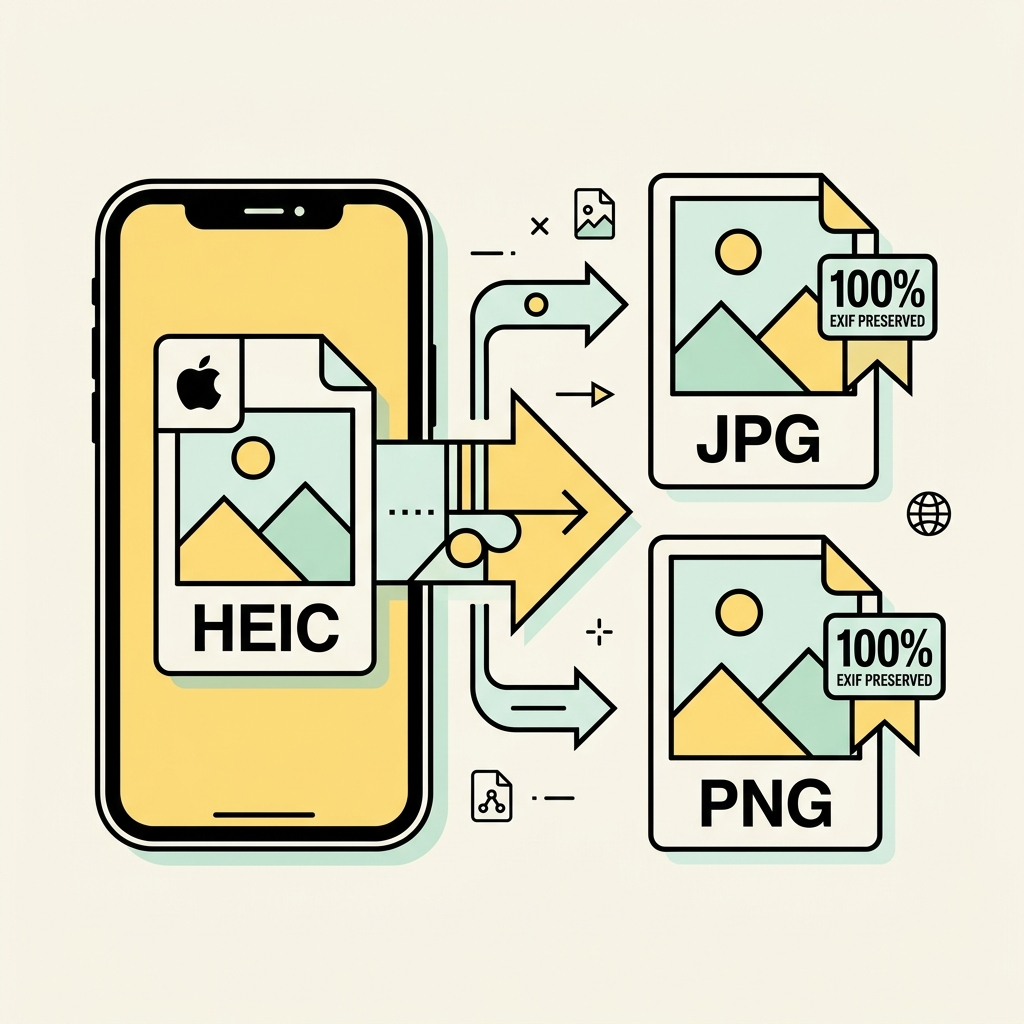
HEIC to JPG, PNG, and WebP Converter
Batch convert Apple iPhone HEIC and HEIF photos with full dynamic range and zero cloud watermarks.
Click or drag iPhone HEIC photos here
Select multiple .heic or .heif files from your camera roll or desktop for instant batch transcoding.
How to use HEIC to JPG / PNG Converter
Direct execution in browser memory with full vector precision.
Upload or Drop File
Select your source file from your local disk or drag and drop it into the workspace canvas.
Process & Refine
Review automated results and use interactive controls like brush, crop handles, or sliders for precision adjustment.
Download Clean Output
Export your high-resolution file directly to local disk with full resolution integrity.
Built for privacy, speed, and precision
Ephemeral In-Memory Runtime
Files are processed ephemerally inside client-side RAM or temporary stateless workers. No storage, no logs.
Sub-Second Processing
Optimized canvas transformations and vector operations execute directly on the client thread without network transit.
Hardware Accelerated
Takes full advantage of modern GPU WebGL and HTML5 Canvas pipelines for fluid 60fps brush and pan interactions.
Frequently Asked Questions
Everything you need to know about HEIC to JPG / PNG Converter
More in Image Suite Suite
View all Image Suite toolsFree AI Background Remover
Remove photo backgrounds locally via WebGPU. High-resolution output with direct client execution.
Compress Image to Exact KB
Shrink photos to exact KB requirements for passport applications, visas, or Amazon listings.
Passport & Visa Photo Cropper
Crop photos with biometric overlay guides for US 2x2" and Schengen 35x45mm standards.