NoPayWallTOOLS
100% In-Browser RAM Sandbox
PDF Suite UTILITY • PRO EDITION

Merge PDF

Combine multiple PDF files into one clean document. Drag & drop to reorder pages. Client-side processing executed directly in browser memory.

Instant Local Processing
In-Memory Client Runtime
Lossless Quality Export
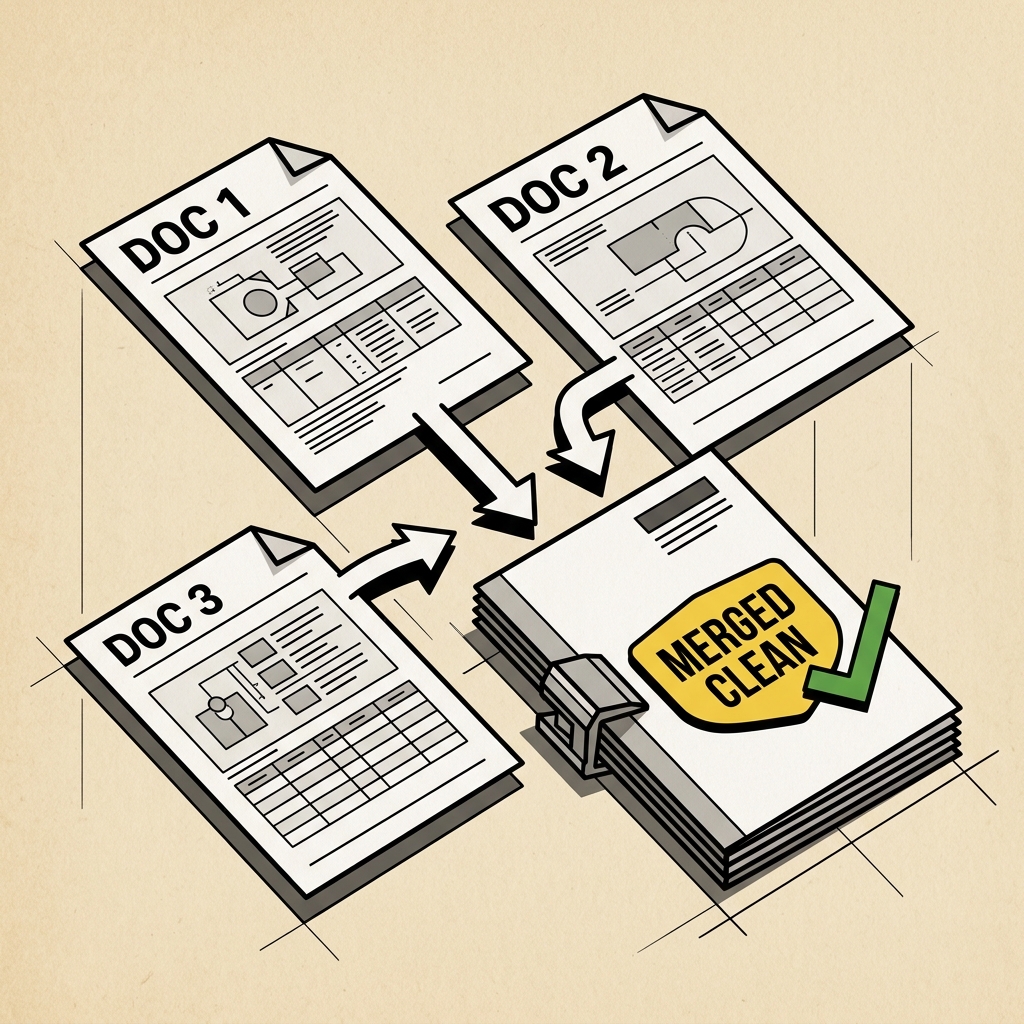
Multi-Document PDF Merge Demonstration
Merged Clean
Multi-Doc Joiner
Combine 3+ files to 1

Visual Multi-PDF Organizer & MergerCustom Ordering

Combine multiple PDFs, debloat unwanted pages, drag to rearrange, or enter custom sequences like 1, 5, 2, 6.

Click or drop PDF files here

Add two or more PDF documents. Debloat unwanted pages, drag to reorder with your cursor, or type custom page sequences.

Merge Configuration

WASM Pipeline
Source Files:0 documents
Active Pages to Merge:0 pages
Combined Input Size:0 B
.pdf
Three Simple Steps

How to use Merge PDF

Direct execution in browser memory with full vector precision.

1

Upload or Drop File

Select your source file from your local disk or drag and drop it into the workspace canvas.

100% Private in RAM
2

Process & Refine

Review automated results and use interactive controls like brush, crop handles, or sliders for precision adjustment.

Real-Time Preview
3

Download Clean Output

Export your high-resolution file directly to local disk with full resolution integrity.

Lossless Direct Export
Engineering

Built for privacy, speed, and precision

Ephemeral In-Memory Runtime

Files are processed ephemerally inside client-side RAM or temporary stateless workers. No storage, no logs.

Sub-Second Processing

Optimized canvas transformations and vector operations execute directly on the client thread without network transit.

Hardware Accelerated

Takes full advantage of modern GPU WebGL and HTML5 Canvas pipelines for fluid 60fps brush and pan interactions.

FAQ

Frequently Asked Questions

Everything you need to know about Merge PDF

Yes, Merge PDF is 100% free with no monthly subscription, no credit card requirement, and no hidden limits. You can process as many files as you need.

More in PDF Suite Suite

View all PDF Suite tools

How Does NoPayWall Merge PDF Files Without Server Uploads?

NoPayWall merges PDF documents entirely inside your browser using client-side WebAssembly, ensuring zero bytes of document data ever leave your computer. While conventional cloud utilities transmit confidential files over HTTP to multi-tenant servers, NoPayWall compiles the open-source PDF-Lib engine into local web worker threads. Your computer reads the local file binary arrays, reconstructs the document page trees in RAM, and exports the merged document directly to your downloads directory.

Technical Specifications: NoPayWall PDF Merger Engine

Specification ParameterNoPayWall ConfigurationOperational Security Impact
Execution EnvironmentLocal WebAssembly (Browser Sandbox)Zero network transmission of confidential document payloads
Task LimitationUnlimited merges per sessionEliminates the standard 2-document hourly restriction
Watermark Invariant0 watermarks appliedDelivers professional, unbranded corporate files
Compliance StandardGDPR Article 28 / HIPAA compatibleNo third-party Data Processing Agreement (DPA) required

Objective Comparison: NoPayWall vs. iLovePDF & Smallpdf

  • Choose iLovePDF if:You need automated cloud OCR conversion on multi-gigabyte historical archive scans.
  • Choose NoPayWall if:You require fast, private, unlimited PDF merging directly in your browser without hourly rate limits or cloud file uploads.

Frequently Asked Questions

Is NoPayWall PDF Merger really 100% free?

Yes. You can combine unlimited PDF files without signing up for an account, entering credit card information, or hitting daily task quotas.

Are my documents safe from server leaks?

Yes. Files are never transmitted over the internet. All binary processing executes in local RAM using WebAssembly.